
How to export a GEDCOM file from Genes Reunited
Official help checked . Menus can change. These instructions are based on official help, not a tested account export.
Request your Genes Reunited GEDCOM export, find the emailed attachment and avoid confusing a backup download with importing a replacement tree.
To export a GEDCOM file from Genes Reunited, choose Family Tree → Export Gedcom and request the export. The provider sends the file to the email registered on your account, rather than asking you to copy the on-screen chart.
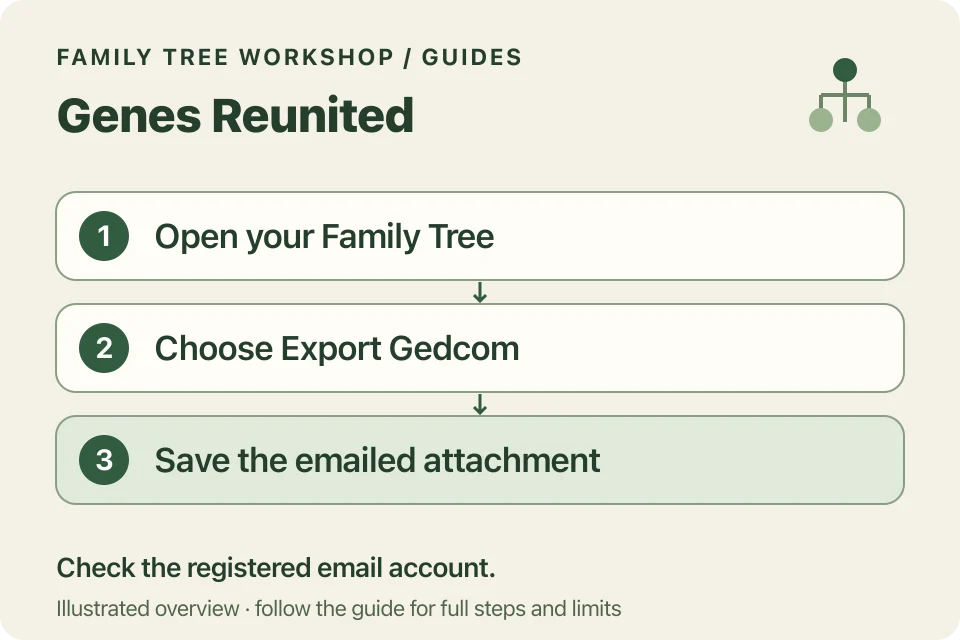
Request the emailed export
- Sign in to Genes Reunited.
- Check your registered email in My Account.
- Open Family Tree and choose Export Gedcom.
- Select the export button on that page.
- Check your inbox and save the GEDCOM attachment locally.
Keep the attachment somewhere private; it may contain personal information about living relatives.
What if the email does not arrive?
The export FAQ describes a short delivery time, while the general GEDCOM FAQ advises checking spam if nothing arrives within 24 hours. Check the registered address, junk folder and whether your mailbox accepts attachments before requesting repeated copies. Contact the provider if it still fails.
Workshop does not connect to your mailbox or need your Genes Reunited password. You select a local file after you have saved it.
Exporting is different from importing
Exporting gives you a copy. Importing sends a file back to the service and can replace its existing tree. Genes Reunited warns that importing a replacement overwrites the previous tree. No re-import is needed simply to download or print your research.
Keep your original export unchanged. A new chart PDF is a presentation of selected facts, not a replacement for that backup.
How do you use the attachment in Workshop?
Select the downloaded file in the GEDCOM converter, choose a starting person and check the relationships. If you see an encoding error, you’ll need a UTF-8 copy before the converter can read it.
Start with a small ancestor or descendant chart. The printing guide covers readable text and tiled output. Review living-person masking before sharing; a saved project retains the original imported facts.