
How to export a GEDCOM file from Ancestry
Official help checked . Menus can change. These instructions are based on official help, not a tested account export.
Export your own Ancestry tree as a GEDCOM, find the ZIP download and understand which facts and media references can move with your family tree.
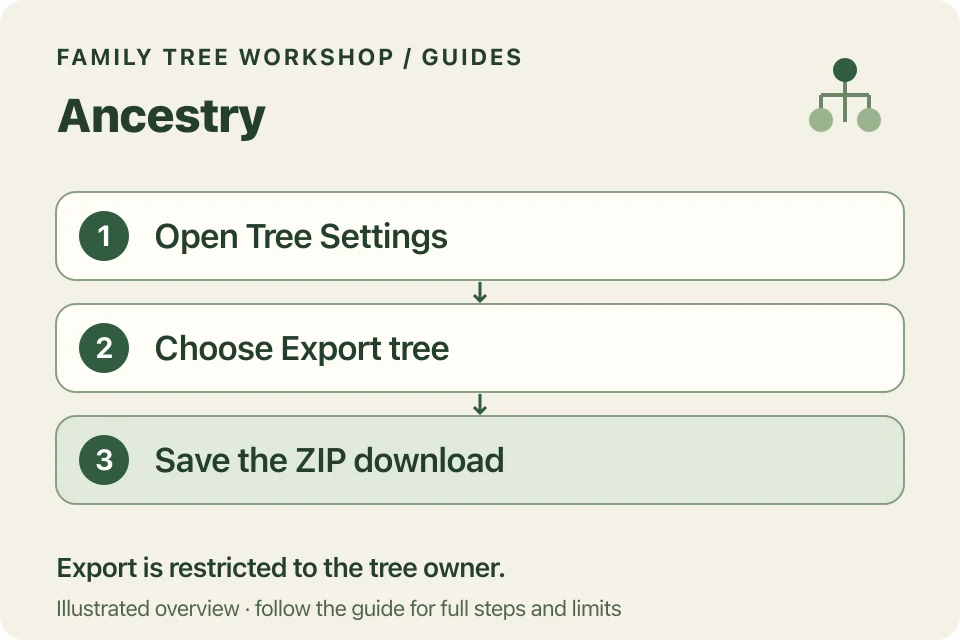
To export a GEDCOM file from Ancestry, open your own tree, choose Tree Settings, then Export tree. When the file is ready, download the GEDCOM. Ancestry says the download arrives inside a ZIP file.
Who can download an Ancestry tree?
Ancestry restricts export to the tree owner; an invitation to view or edit is not ownership. Its help centre says a paid membership is not needed to download your own tree.
How do you download the GEDCOM?
- Sign in, open Trees and choose the tree you own.
- In the left toolbar, open More (three dots), then Tree Settings.
- Under Manage your tree, choose Export tree. If a GEDCOM is already ready, use its download control instead.
- Confirm Export and wait for the file to be prepared.
- Choose Download Your GEDCOM File and save the download locally.
Keep the original download as a backup. Exporting gives you a copy without changing your tree on Ancestry.
Why did Ancestry give me a ZIP file?
The documented download is a ZIP containing the GEDCOM. Open the archive locally to find the .ged, or select a supported ZIP directly in the Family Tree Workshop converter. If the ZIP is too large for the converter, try exporting a smaller part of your tree as a UTF-8 GEDCOM.
Will the photographs come with it?
The GEDCOM is text, not the original image files. Ancestry says newer exports can retain references to where media is stored on its service. Those references are not a separate photo backup, and Workshop does not retrieve linked media.
Keep important records and photographs alongside your original research. A printed chart shows part of your research, so keep your original tree as well.
What if the download isn’t ready?
Ancestry advises retrying after a refresh if generation runs for more than ten minutes. Consult its help article for further troubleshooting. If you don’t own the tree, ask its owner to download a copy for you.
Next, choose a layout and print your GEDCOM tree. Review living-person masking before sharing the result.